

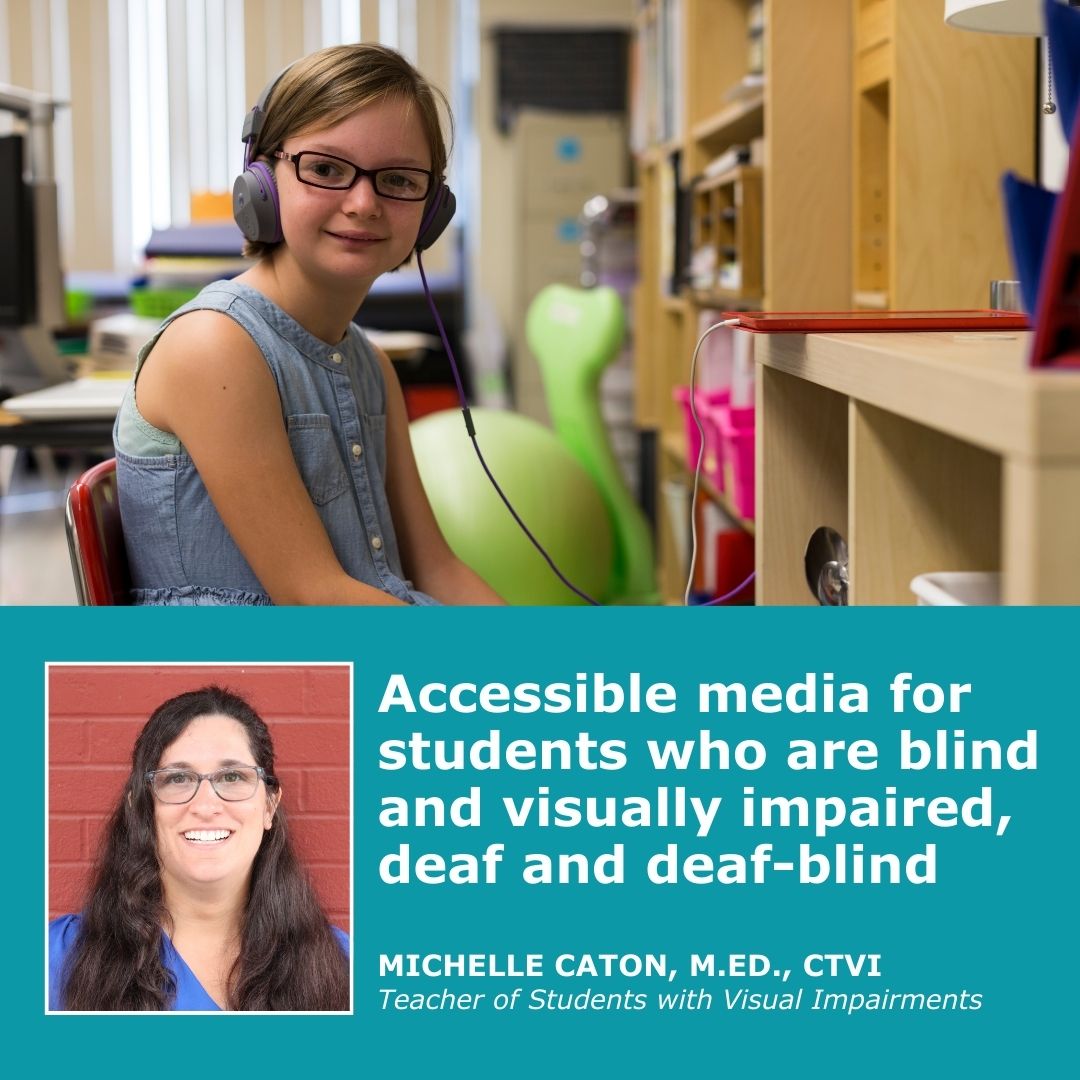
Did you know there are FREE Accessible Educational Media resources for children, families, and their teachers?
First, let’s define digital media. Digital media is any information shared digitally. This can be in the shape of blogs, videos, audio books, and documentaries. People access digital media on their phones, computers and tablets.
Research has shown that multimedia improves learning for all students. Accessible educational media can inspire and engage your child in learning interesting topics at school and at home. Two ways to make visual media more accessible for students with hearing loss or blindness are to add audio description or subtitles. Audio description is a voice that explains the silent characteristics of a video; facial expressions, movements, and scene descriptions. Subtitles are transcriptions of what the characters are saying so viewers can read the dialogue.
Some common questions regarding accessible digital media include:
- Where do these options exist, though?
- Are there ways for families and teachers to make a video more accessible?
Below are resources that can be easily accessed that provide accessible digital media.
- Streaming sites – Most streaming sites like Netflix and Hulu, have menu options that can turn on subtitles and audio descriptions.
- Alt-Text and photo Description – This is something friends, family, teachers and coworkers can do to make photos and presentations more accessible for people with vision impairments. Alt-Text and Photo descriptions are options in which you can add descriptions of a photo so screen readers can access and describe them. There are options in computer programs that you can add descriptions. You can also add a separate paragraph below a picture that describes the picture when sending something to a person with a vision impairment.
- Youtube – YouTube videos offer audio descriptions. Go to this website to find information about how to get audio description on YouTube videos: https://blog.pope.tech/2023/05/30/how-to-create-audio-descriptions-for-accessible-youtube-videos/
To learn more about the Described and Captioned Media Program (DCMP), please visit www.DCMP.org.
Additional resources:
- About educational, accessible media
- An Introduction to DCMP Media
- Turning on subtitles on streaming sites
- How to turn on Audio Description
- Enhanced Learning through Accessible Media
- Recommended Titles for Parents of Children Who Are Blind or Visually Impaired
- Recommended Titles for Parents of Children Who Are Blind or Visually Impaired
- Perkins Resource
Special Education is unique for Children with Visual Impairments. Accessibility to education for her/him is a right under the special education law the Individuals with Disabilities Education Act (IDEA). Accessibility under the law includes Materials, Technology, and the Environment. Through the past couple of years during the pandemic many families experienced a variety of different educational placements from remote learning full time, part time with a hybrid learning model, or attending school full time. Regardless of what educational placement your child has, accessibility to education is your child’s right. As parents we can ensure that an accessible education is provided through the development of your child’s annual Individual Education Program (IEP). More information can be found on FIS website under Educational Guidelines.
If you or someone you love is experiencing vision loss and could benefit from our services, please contact Future In Sight at [email protected] or 603-224-4039 today!
About the Author: Michelle Caton is a Teacher of Students with Visual Impairments (TSVI) at Future In Sight.