BLAST Google Home *ADULTS ONLY*
The Google Home has numerous capabilities making every day life more engaging, informative and independent. Join us as we explore how it works and more! To register, please click here. […]

The Google Home has numerous capabilities making every day life more engaging, informative and independent. Join us as we explore how it works and more! To register, please click here. […]
The benefits to an accessible fitness app will spring you ahead by taking charge of your health. We'll take a look at the MyFitnessPal app and focus on how to […]
Ovens, washers and dryers, microwaves and more; learn about the wide variety of smart appliances and how they might be applied to your accessible independent living. To register, please click […]
We'll discover the top 20 most beneficial skills with the Amazon Alexa devices and how they enhance our every day lives. To register, please click here. Questions? Contact Stephanie Hurd. Zoom […]
The Tech Talk Panelists are here to trouble shoot and answer your technology questions. Whether you are experiencing a technology issue, want to know about specific apps, or other feedback, […]
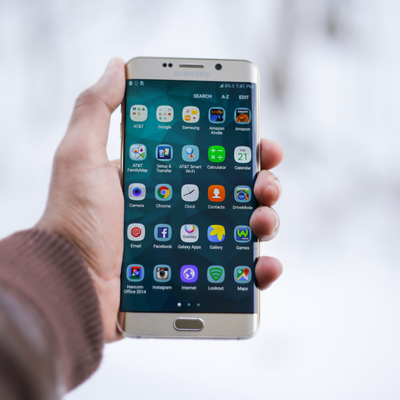
Have you wanted a smart phone with physical buttons? This Android BlindShell Classic 2 phone may be for you! This phone might possibly be the most accessible phone on the […]
We will explore terminology and methods to strengthen and secure your internet connection. Options to strengthen include an Ethernet cable, relocating the router, Moca devices, and more. Security considerations involve […]
Focus will be on the set-up of the device (i.e.: font size, contrast, background brightness, etc.), use of built in accessibility features such as zoom, magnifier, speak screen/speak selection and […]
Focus on using VoiceOver and gestures to navigate the iPhone/iPad interface for those with limited or no vision. Thanks to a partnership Future In Sight has with the Older Individuals […]
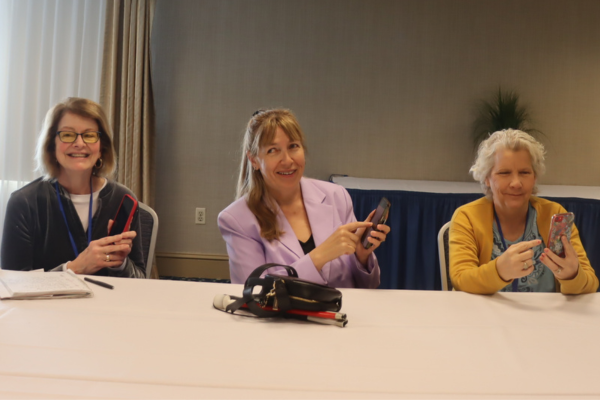
Join us as we check out the newly resurrected Voice Vista app for iOS! This app uses advanced audio technology and precise location services to assist with a sense of […]
Focus will be on the set-up of the device (i.e.: font size, contrast, background lighting, etc.), use of built in accessibility features such as, magnification, select to speak and the […]
Whether you are cooking in the kitchen and need more direct light on the countertop or maybe you require brighter light at your desk to fill out paperwork. Perhaps you […]
Everyone has been talking about Chat GPT, which in short, is an AI chat bot. Be My Eyes has even jumped into using it. In this workshop, we'll explore what […]
Focus on using TalkBack/Voice Assistant and gestures to navigate the Android interface for those with limited or no vision. Thanks to a partnership Future In Sight has with the Older […]
We'll cover the basics on how to access Windows Narrator and how easy it is to use with every day tasks, such as Word, email and navigating the internet. This […]
We'll take a look at some of the ways to reach out to different tech resources to get help, problem solve, and continue tech learning. There are some fabulous websites, […]
This workshop will demonstrate several of the universal gestures that work the same for both Voiceover for iOS and Talkback for Android. Then we'll cover some different gestures that perform […]
This workshop will review and train users in the use of several social media platforms including Facebook, Face Time, messenger, Instagram, etc. Focus will be on both users who are […]
It's a busy time of year, and we're hoping to make life even easier for you with these 10 iPhone/iPad tips. Have you ever wanted to create an icon for […]
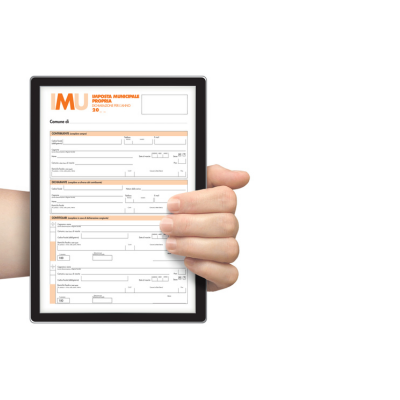
It seems there are always forms to fill out. Whether they are forms for the doctor, living space, employment, or insurance, there is no escaping completing applications, questionnaires, and other […]
Whether you're on your computer, smart phone, or tablet, we'll give you a head start on how to enlarge the screen, and make the visual adjustments to work and play […]

This workshop will focus on accessibility features for audiobooks, magazines and newspapers. These tech workshops are presented under a contract with Services for the Blind and Vision Impaired, a division […]
This workshop will share information on how current smart home technologies can benefit the blind and low vision community. This will include the use of smart speakers and a voice […]
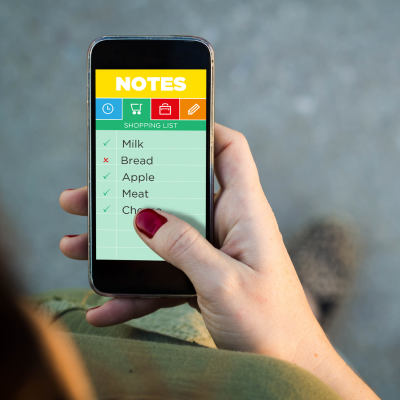
Jotting down grocery lists, storing vital information such as vaccinations and keeping user names and passwords are just 3 examples of the many ways in which the notes app proves […]

Sometimes it's difficult to determine when and how to set a reminder vs. a calendar appointment. This workshop will explore the options and walk you how to set them both. […]
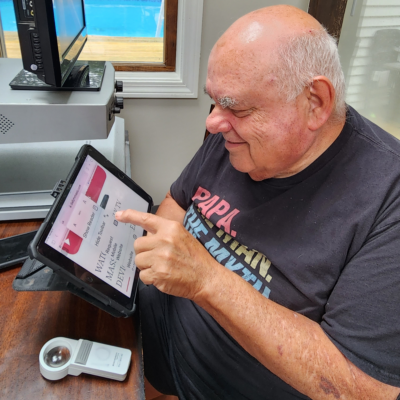
Universal design assists our navigating documents and PDFs! We'll cover tips and resources in creating and looking for accessibility when it comes to working with documents on our Windows computers. […]
The focus will be on the accessibility features of the Apple desktop or laptop. We will discuss how you can change screen colors, text size, zoom in, reduce transparency, and […]
Did you know you can capture QR codes with your smart phone's camera to access a menu? You may even take a picture of text and use Talkback or Voiceover […]

Discover 8 important tasks for your Windows computer from cleaning it to organizing files and folders and taking control of your start up! To register now, click here. For instructions […]
Do you hunt and peck on your computer keyboard? Do you find it slow and tedious to type? If so, then this workshop is for you. In this workshop, we'll […]